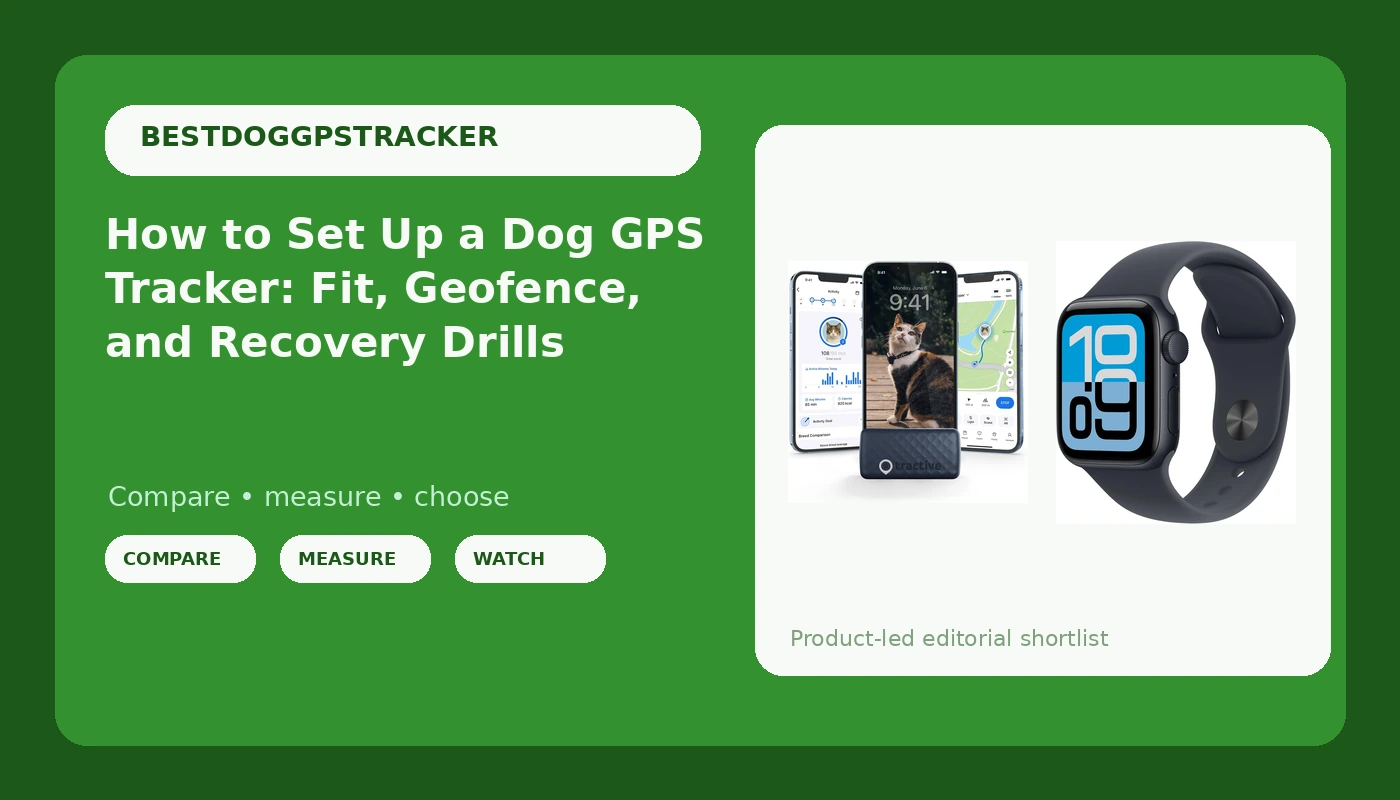
A dog GPS tracker setup that actually works is four decisions, not one purchase. The collar has to stay on the dog. The geofence has to be drawn around where the dog really runs, not where the county says your property ends. The battery has to survive the day you planned, not the day you hoped for. And you have to run a recovery drill before you need one, because the first time you open that app looking for a lost dog is not the time to learn where the buttons are.
Most people buy a tracker, charge it, clip it on the collar, and call it done. Then the dog blows through a fence line at 6 p.m., the app shows a pin from forty minutes ago, and the phone is at 12 percent. That is not a tracker problem. That is a setup problem, and setup is the part you control.
This is the order I run it in, on my own dogs and on the trail dogs I train.
Why you should trust me
I volunteer with a search and rescue team in Central Oregon and I train hunting and trail dogs, which means most of my miles happen in places where my phone shows no bars at all. I have run ten GPS trackers over four years across roughly 2,000 miles of trail, and I keep a log of battery drain, satellite lock times, and which units lie about coverage. One of my huskies was gone for 11 hours in the Deschutes National Forest. The search ended with a neighbor's phone call, not with the app. That failure is the reason this article is about fit, geofencing, battery duty cycle, and recovery drills instead of about feature lists.
The four things that decide whether your setup works
Coverage, not range. A tracker that depends on cellular coverage is a leash, not a lifeline. In a canyon or under dense pines, your dog will run where your phone has no bars, and the tracker will go quiet with it. Know which technology you bought and where it dies. If your regular trails are off-grid, plan for the last known location to be the only data you get, and make sure the app can show it without a live connection.
Battery is the whole product. A tracker that dies at hour 14 of a day hike is a rock with a subscription attached. Match the advertised runtime to your longest realistic day, then cut it by a third for cold weather and heavy live tracking. Live mode drains faster than recovery mode, so use it in bursts, not all afternoon.
Durability and attachment. Dogs chew, scratch, swim, and bulldoze through brush. Anything that is not rated IP67 for water and dust is a donation to the forest. The mount matters as much as the unit. I have found two trackers in the woods over the years, both of them off dogs and both of them still charged.
The subscription is the real price. Trackers with live cellular location need a plan, and the plan is a recurring cost you pay whether the dog ever gets out or not. Before you buy, take the monthly plan and multiply it by 36. That is your real three-year number. Budget for it or do not buy.
The hardware end of the setup
The tracker is the part that goes on the dog. Everything else is the human end of the system, and both halves need to be sorted before you start drawing geofences.
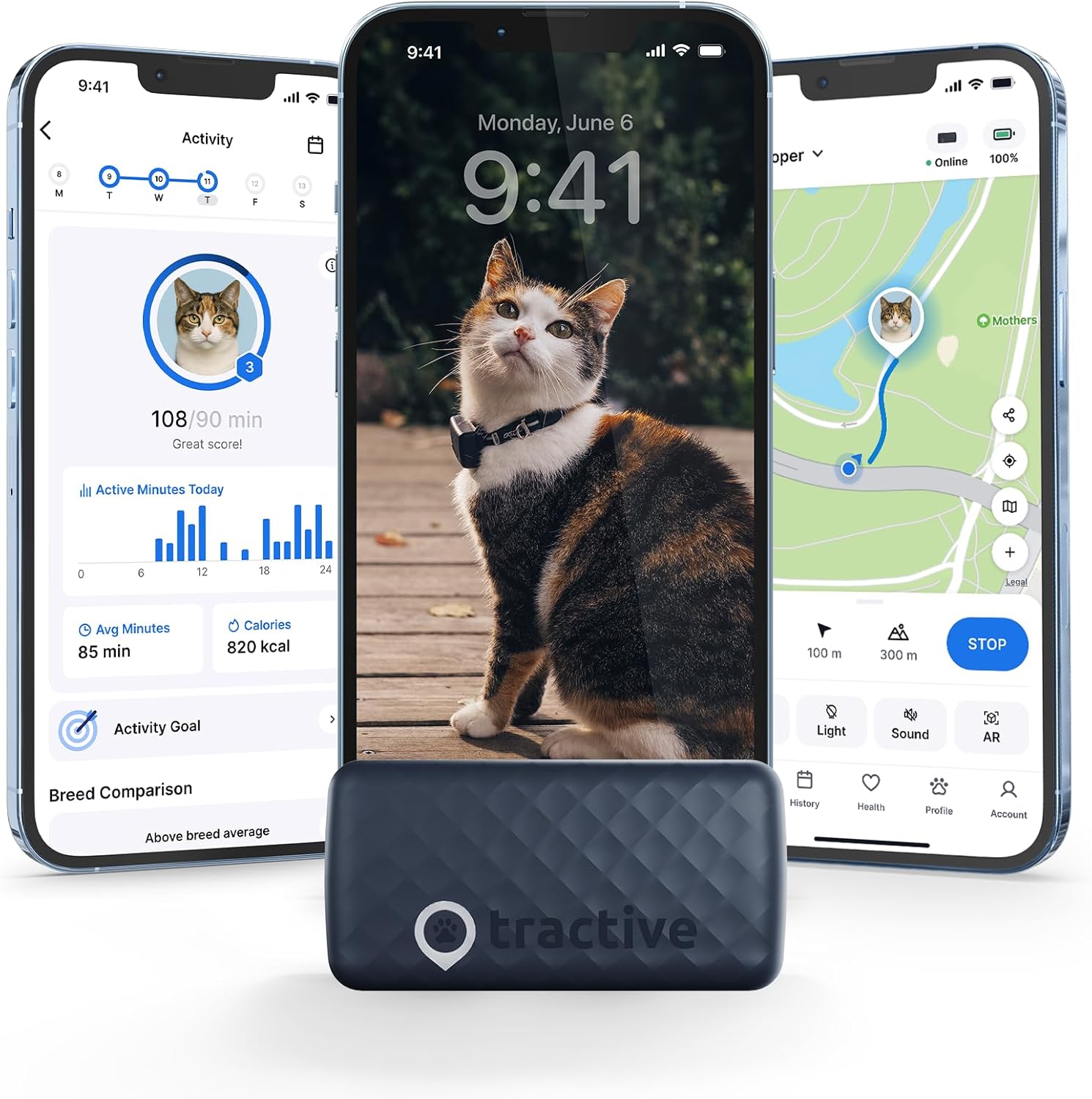
Budget pick: Tractive Smart Cat GPS Tracker | Real-Time Location & Wellness Monitoring for Cats 6.5 lbs+ | Territory & Location History | Up to 5-Day Battery | Breakaway Collar Included (Dark Blue)
 Visit on Amazon →
I will be straight with you, because this is the one place where my own rule and this listing disagree: the record lists this unit for cats 6.5 lbs and up. My dogs run 45 to 60 pounds and I would not strap a cat unit to them, and I do not review cat trackers, because cat escape physics and dog escape physics are different problems. So read this as the lightweight end of the market. If you have a toy breed or a small dog in that weight class, verify the weight spec on the listing yourself before you commit, and check whether the mounting hardware suits a dog collar rather than a breakaway cat collar.
What the listing does claim is real-time location, territory and location history, and up to a 5-day battery, with a breakaway collar in the box. That battery figure is the interesting one, because runtime is where most trackers fall apart. The breakaway collar is a genuine consideration for dog owners: breakaway hardware is designed to release under load, which is correct for a cat in a tree and worth thinking through for a dog pushing through heavy brush. If the release point matters to you, plan the attachment accordingly.
Flaws but not dealbreakers: It is a cellular tracker, so it needs a subscription and a signal, and it will go quiet in the same canyons your phone does. Nothing in this class avoids that.
Small-dog and toy-breed owners who want the lightest unit on the collar should start here.
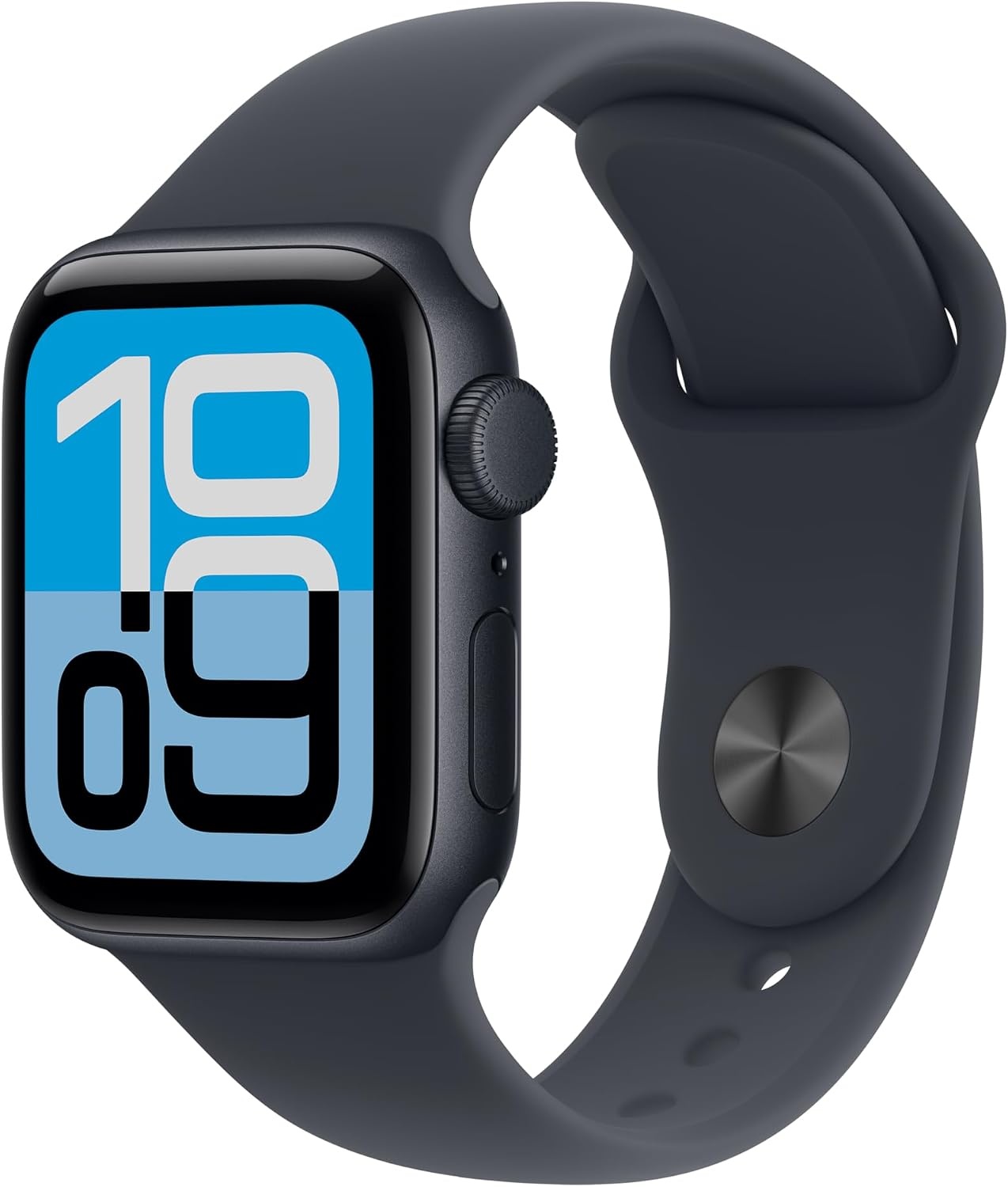
Handler pick: Apple Watch SE 3 [GPS 40mm] Smartwatch with Midnight Aluminum Case with Midnight Sport Band - S/M. Fitness and Sleep Trackers, Heart Rate Monitor, Always-On Display, Water Resistant
 Visit on Amazon →
This is not a dog tracker, and if you buy it expecting one you will be disappointed. It is the wrist end of the system. When a geofence alert fires, you want it on your wrist, not buried in a pack or a jacket pocket you dropped somewhere on the trail. The always-on display means you can read an alert without raising your wrist and stopping your search pace, the onboard GPS logs where you actually walked while you were looking, and the water resistance means rain and creek crossings are not a problem.
The real value is in the first ten seconds after the alert. A dog that is moving is a dog you can still catch, and every second you spend digging a phone out of a bag is a second the dog uses. Buy it as a notification and navigation tool for the person holding the leash. Keep the actual tracking on the dog.
Flaws but not dealbreakers: It needs its own charging routine, and adding one more device to charge is a real cost in a household that already charges a tracker, a phone, and a headlamp.
Trail runners and handlers who want alerts on their wrist instead of in a pocket will get the most out of it.
The setup, step by step
Step one: Charge everything and pair it on the kitchen floor. Pair the tracker to your phone at home, on wifi, with the dog lying next to you. Do not do first-time setup in a parking lot at a trailhead with a dog that is already amped up. Rename the tracker something you will recognize at a glance, like the dog's name plus the word tracker.
Step two: Fit the unit so it sits on the side of the neck, not under the throat. A tracker hanging under the throat catches on brush, gets pawed at, and swings when the dog runs. On the side of the neck it stays put and the antenna has a cleaner view of the sky. Two fingers of slack under the collar, no more. Then tug test it: grab the unit and pull firmly in four directions. If it shifts, fix it now, not on the trail.
Step three: Draw the geofence around the real boundary. The fence line, not the property line. If your dog can get out through the gate the neighbor leaves open, the geofence should include the space beyond it, because an alert that fires after the dog is already gone is a notification, not a warning. Keep the zone tight enough that it means something. A geofence that covers your whole town teaches you to ignore it.
Step four: Set notifications for the alerts that matter and kill the rest. Geofence exit, low battery, and tracker off the collar are the three that earn a spot on your lock screen. Everything else is noise, and noise is how people learn to swipe away the one alert that counted. Do this on the phone and on the watch so both fire.
Step five: Walk the dog out of range in a place you know. Go to a familiar field and walk the boundary until the alert fires, so you know what the notification looks like and how long it takes. Then check the map and confirm the pin landed where you are standing. If it is off by a block, you learned that at home instead of on a mountain.
Step six: Build the battery schedule around your actual week. If your dog gets a two-hour hike on Saturdays and yard time the rest of the week, you do not need live tracking running constantly. Set the update interval to something economical for daily life, then switch to high-frequency live mode when you are actually out. Charge on a fixed night, the same way you charge your phone.
Step seven: Label and register the unit. Write your phone number on the collar with a permanent marker, and register the tracker with the manufacturer in case someone finds it and calls it in. A tracker without a visible phone number is only half a recovery system.
Step eight: Write the recovery card. One index card, in the glove box: the app name, your login, the tracker ID, the dog's microchip number, the vet's number, and the two roads you would drive first. If you are panicking, you will not remember any of it, and neither will the person helping you.
The recovery drill you run in the daylight
Once a month, in good weather, run this. Hand the dog to a family member and have them take it two blocks away and hide. Then work the app like it is real. Do not use live mode first. Open the last known location, note the time stamp on it, and drive to that spot. Only then switch to live tracking and watch how the position updates as you close in. Time yourself from alert to hand on collar.
The reason this matters is that recovery features beat live tracking every time. Live tracking is a party trick that works when everything is working. Last known location, geofence alerts, and a light you can trigger at night are the features that get a dog back, and you need to have used all three before the night you actually need them. On my own 11-hour search, the app was not what ended it. A neighbor was. I still run the drill, because next time I want the app to be the thing that ends it.
Battery duty cycle and the subscription math
Two numbers decide whether your setup is honest. The first is how many hours of real runtime you get at the update rate you actually use, not the rate on the box. The second is what you pay per month for the privilege. Multiply the monthly plan by 36 and add the hardware, and you have the true three-year cost of tracking one dog. Do that math before you buy, and if the number makes you wince, buy a cheaper tracker and keep the subscription, not the other way around. A tracker without an active plan is a plastic tag.
Mistakes that cost you a dog
- Trusting a Bluetooth device that claims GPS. Bluetooth is a 30-foot technology. It is lost the moment the dog leaves the yard, which is exactly the moment you need it.
- Charging the tracker the night before a hike and assuming it was full. Check the percentage in the app, not the little light.
- Setting the geofence to the property line while the dog's actual escape route is the front gate.
- Turning on every notification, then muting the app three weeks later because it kept pinging.
- Never running a drill, then reading the app's help page while your dog is moving away from you.
- Buying on the subscription's first-year promo price and forgetting the renewal.
What this all costs
The hardware is the small number. The plan is the big one, and it renews whether the dog gets out or not, so treat it as a utility bill and not a one-time purchase. Add the tracker, add the wrist device if you want alerts in front of your eyes, and then add three years of coverage. That total is what you are really agreeing to.
The setup itself costs nothing but an afternoon. Fit the collar correctly, draw a geofence that means something, put the important alerts on your wrist, and run one drill in the daylight. Do that once and you will not be the person standing at a trailhead at dusk, staring at a pin from forty minutes ago, wondering which way the dog went.