Most people buy a dog GPS tracker the week after the dog gets out. I know, because I was one of them. My husky escaped three times before I found gear that held up, and the first two trackers I owned failed in ways no product page mentions: a battery that quit on a day hike, and an attachment that let the unit swing free in thick brush. A proper dog GPS tracker setup is not really about the app. It is about attachment, battery, and what the thing does when the signal disappears.
So here is the workflow I run on every tracker that comes through my house, plus the two units I would actually put on a collar for a dog that leaves the yard.
Why you should trust me
I volunteer with a search and rescue team out of Bend, Oregon, and I train hunting and trail dogs on the side. Over four years and roughly 2,000 miles of trail I have tested ten GPS trackers, kept a log of battery life and satellite lock times, and learned which coverage claims are honest and which are marketing. One of my own dogs was lost for eleven hours in the Deschutes National Forest. The search ended with a neighbor's phone call, not with an app notification. That day taught me more about recovery features than any spec sheet ever did.
I do not sell anything here, and I do not get paid to like a product. I do tell you when a device is the wrong tool for the job, even when it is a fine product on its own terms.
The two kinds of tracker, and why the difference decides everything
Before you mount anything, understand what you are actually buying, because the two categories below behave nothing alike in the field.
A cellular GPS tracker carries its own connection and reports position over a mobile network. It gives you live tracking, a virtual fence you draw in an app, and a location history you can scrub through after the fact. It needs coverage. In a canyon or deep pine, coverage disappears, and the tracker goes quiet. The good ones keep the last known location and push it the moment the dog comes back into range.
A Bluetooth tag has no GPS at all. It works through a phone-based finding network, which means it reports a position when another phone passes nearby. In a suburb with people walking dogs and delivery drivers on every street, that can be genuinely useful. In the backcountry it is close to useless. Any listing that calls a Bluetooth tag a GPS tracker with unlimited range is selling you a word, not a radio.
That distinction decides which of the two products below belongs on your dog, and it is the first thing I check before I read a single review.
How I picked and how I tested
I do not rank trackers on app polish or on how many features fit on a screen. I rank them on four things: how they attach to a collar, how long they run at a realistic duty cycle, how fast they get a satellite lock, and how they behave when coverage drops.
Every unit gets the same treatment. I fit it to a collar and check for swing, because a loose tracker snags. I charge it to full and time the drain at the update interval I would actually use. I take it into a canyon where my phone shows no bars and watch what the app does. Then I run a recovery drill: I hand the collar to a friend, they hide the dog, and I time how long it takes me to walk to the animal using only what the app gives me. The drill is the only test that matters, because it is the only one that looks like the bad day.
The numbers I trust: a lock under about 30 seconds is usable, and anything over a couple of minutes means you are standing in the driveway watching a spinner. Battery is a duty cycle problem, not a spec sheet problem, so the update interval you choose matters more than the milliamp-hour rating. And IP67 is the floor for durability. Dogs swim, roll in mud, and chew. A tracker that is not sealed and not chew-resistant is a donation to the forest.
Before you buy: pick the tracker for your terrain, not your dog's breed
The single most common mistake I see is buying live tracking for a dog that mostly needs recovery. Live tracking is a party trick you watch for fun. Recovery features are what bring the dog home: last known location, a geofence alert that fires the second the dog crosses the line, and a light you can trigger at night so you can see a collar in the dark.
If your dog bolts into a neighborhood, either category below can work. If your dog runs trail, canyon, or timber, you need the cellular unit, and you need to accept the subscription that comes with it.
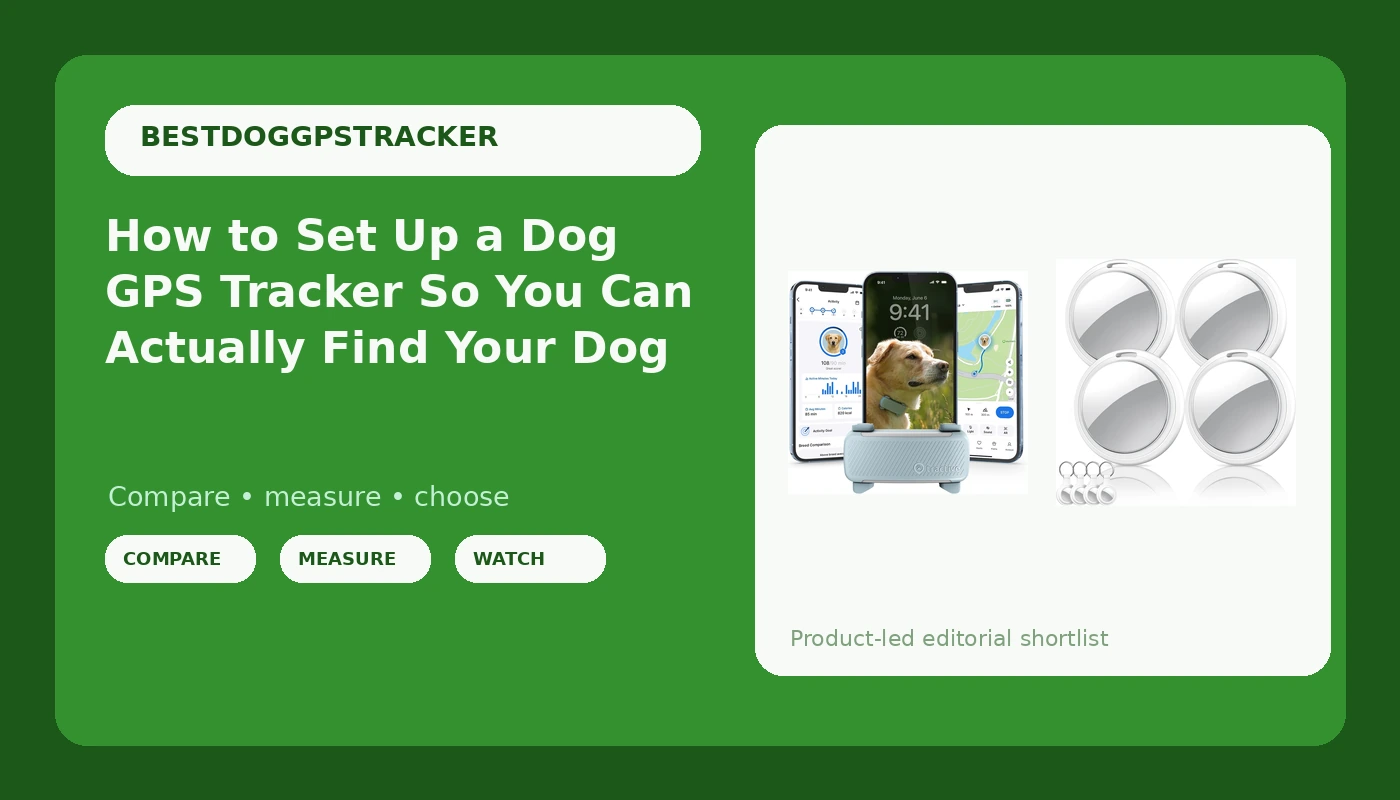
Our pick: Tractive Smart Dog GPS Tracker | Live Pet Tracker with Virtual Fence | Vital Signs Monitoring of Heart & Respiratory Rate | Bark Monitoring | Dog Collar Attachment (Mint)
 Visit on Amazon →
This is the one I would put on a dog that leaves the yard. It is a cellular tracker, so you get live position, a virtual fence you draw yourself in the app, and a location history you can walk backward through after a bad afternoon. The vital signs monitoring covers heart and respiratory rate, and it logs barking. Treat the heart and respiratory readouts as a trend line and not as a diagnosis, because it is a wellness feature on a collar, not a veterinary instrument. The bark monitoring is more useful than it sounds if your dog gets kenneled or left in a truck and you want to know when the noise starts.
It attaches to an existing collar, which is the right design. No dedicated strap to break in the brush, no second collar to keep track of, no hardware to lose in the car.
The subscription is the real price of any cellular tracker, and I will get to that math below. Budget for it or do not buy this category at all.
Flaws but not dealbreakers: Coverage is the limit, always. In a deep canyon this unit goes quiet just like every other cellular tracker, and that is physics, not a defect. Battery life is the other tradeoff: the more often the unit reports, the faster it drains, so set the update interval to the longest one you can live with and save the fast mode for the day you actually need it.
Anyone whose dog runs trail, timber, or open country should start here.
Budget pick: Air Tracker Tags-4 Pack, Item Finders Works with Apple Find My(iOS Only), Air Tracker Tags with 4 Case, Bluetooth Tracker Keys Finder and Item Locator & GPS Trackers for Kids/Pets/Dog/Luggage/Wallet
 Visit on Amazon →
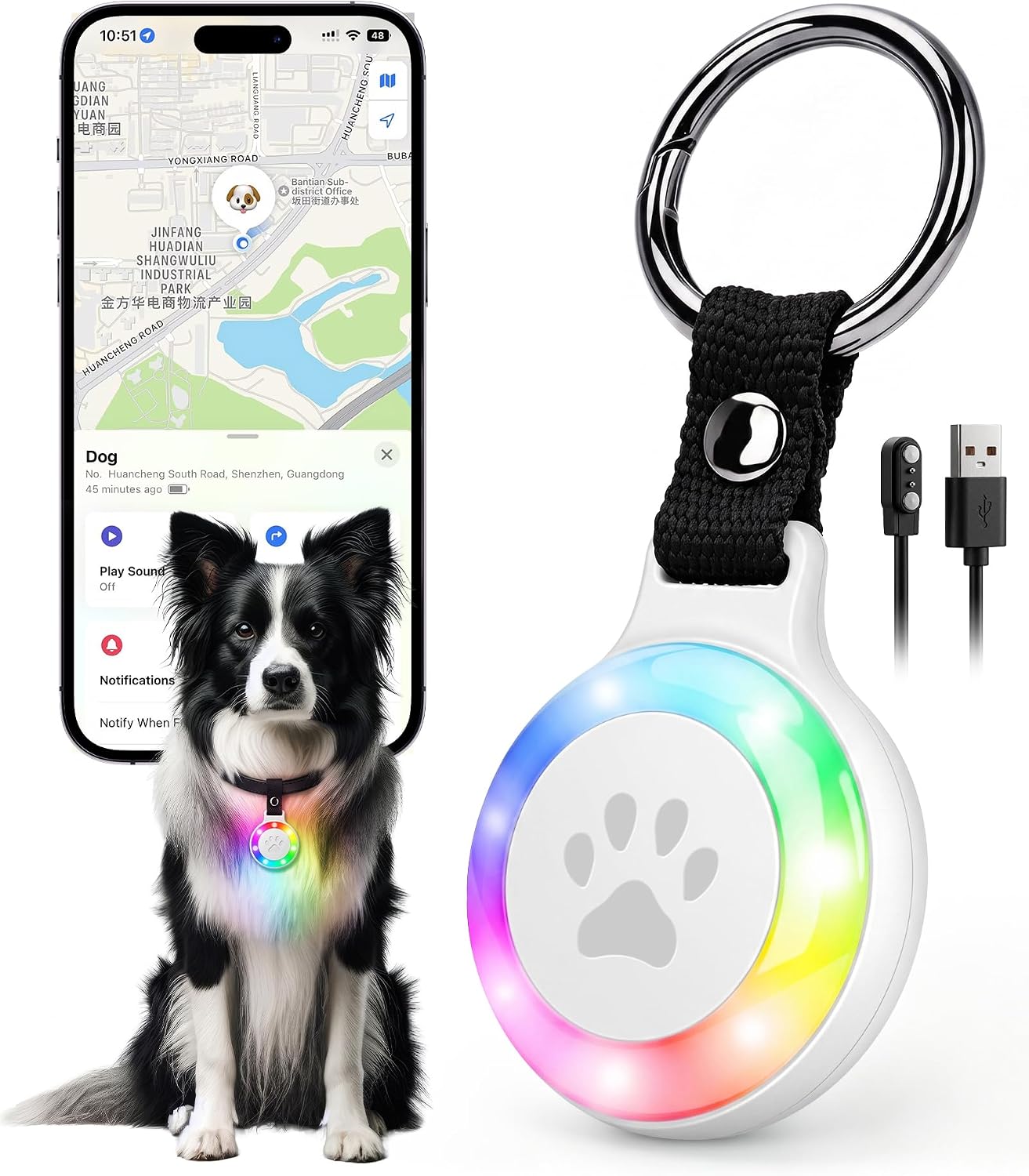
Four tags with four cases. These work with the Apple finding network and they are iOS only, so if your household runs Android, stop here. They are Bluetooth tags, not GPS, which means no live map, no geofence, no location history, and no coverage in the backcountry. What they do give you is a cheap second chance in a populated area: slip one in the case on the collar and another in your trail bag, and if the dog slips a lead at a trailhead with fifty cars in the lot, the finding network has a decent chance of seeing it.
I keep one in my pack for keys and one on the dog's harness as a backup, never as the primary. Any listing that promises unlimited range on a tag like this is describing the network of strangers' phones, not a radio in the tag itself.
Flaws but not dealbreakers: The case is the weak point. Check the seal before you trust it around water, and check it again after a wet hike, because a tag that takes on moisture stops reporting quietly. There is also no way to make it beep on command from a distance, which is the feature I miss most when a dog is buried in brush twenty feet away.
Anyone in a city or suburb who wants a cheap backup tag, and anyone who keeps losing keys and luggage, will get real value here. Nobody should buy this expecting backcountry tracking.
The setup workflow, step by step
Now the part you came for. This works on any tracker, and it takes about forty minutes the first time.
Step one: fit the collar before you touch the app. Buckle the collar on the dog and slide two fingers under the strap. Two fingers, no more. A tracker that swings on a loose collar gets snagged and popped off, and I have found two trackers in the woods that way, neither of them on a dog. If the tracker has a separate mounting clip, orient it on the side of the neck, not under the chin where the dog's paws reach it.
Step two: charge it fully and pair it at home. Pair on your home wifi, name the dog in the app, and add a photo. The photo matters more than you think. If someone else finds the dog, a finder screen with a name and a face gets a phone call made.
Step three: set your update interval. Live mode drains a battery fast. Pick the longest interval you can tolerate for everyday use, and know exactly where the switch is for the high-frequency mode. You will want it in a hurry.
Step four: draw the geofence tight. Most people draw a generous fence around the yard and then get alert fatigue from the dog brushing the line. Draw it inside the real boundary, a few feet in, so the alert means something.
Step five: walk the boundary and trigger the alert. Put the collar on, walk the dog out past the fence line, and confirm your phone actually buzzes. Do this in daylight, with a full battery, before you need it. An alert you have never heard is not an alert.
Step six: run a recovery drill. Hand the dog and collar to a friend or family member. Have them hide the dog somewhere reasonable, a block away or behind a stand of trees. Then find the dog using only the app. Time it. Do it once a season. This is the step everybody skips and the only one that teaches you what the app actually shows you when your hands are shaking.
Step seven: build a charging habit. Charge on the same day every week, the way you charge your phone. A tracker that dies at hour fourteen of a day hike is a rock with a subscription.
Step eight: label the tracker. Write your phone number on the unit in paint pen. When a tracker falls off in brush, the person who finds it should be able to call you.
The recovery features that actually matter
Live tracking is fun, but the following list is what brings a dog home.
Last known location. If the app needs a live signal to show you anything at all, the tracker is half useless. Test this: put the tracker somewhere with no coverage, then open the app. You should still see where it was.
Geofence alerts. The alert should fire on the way out, not on the way back. Walk it and confirm.
Location history. A trail of dots tells you which direction the dog is traveling, which is often more valuable than a single pin. A dog moving consistently north on a ridge line is a pattern you can cut off.
A triggerable light. At night, a light on the collar is worth more than any map. If your tracker has one, learn the button sequence with gloves on.
A finder screen. Name, photo, your phone number. It costs nothing and it works when the battery is dead.
What this all costs over three years
This is where the honest math lives, and it is the reason I get cranky about subscriptions.
A cellular tracker runs a monthly plan. At the typical $10 to $15 a month, three years of service lands somewhere between $360 and $540, which is more than the hardware in most cases. That is not a scam, it is how the network gets paid for, but it is the real price and you should write it down before you buy. The good news is that most plans let you pay annually for a discount, and I always take the annual rate when I know the dog is staying.
The Bluetooth tags have no subscription at all. Buy once, replace the battery or the tag when it dies. That is the entire appeal, and it is also why they cannot do what the cellular unit does.
Over three years, a suburban owner who wants a backup tag is looking at a one-time purchase. A trail owner is looking at hardware plus a service plan. Both are defensible. What is not defensible is buying a Bluetooth tag and believing you have backcountry coverage.
What this guide is not
I do not cover invisible fences or shock collars. That is a different ethical category and a different product, and I do not review them. I also do not cover cat trackers, because cats escape on entirely different physics and the gear reflects that.
If you came here looking for a collar that trains the dog to stay in the yard, this is the wrong article.
The short version
Fit the collar with two fingers of slack. Charge it on a schedule. Draw the fence tight and walk it. Run a recovery drill once a season so the app is familiar before the bad day. Pay for the subscription if your dog runs country, and accept that a Bluetooth tag is a backup and not a lifeline.
The tracker is not the thing that finds your dog. The tracker plus a rehearsed plan is. Do the forty minutes of setup now, while the dog is asleep on the floor, and the one afternoon you actually need it will go the way you rehearsed instead of the way my first two trackers went.