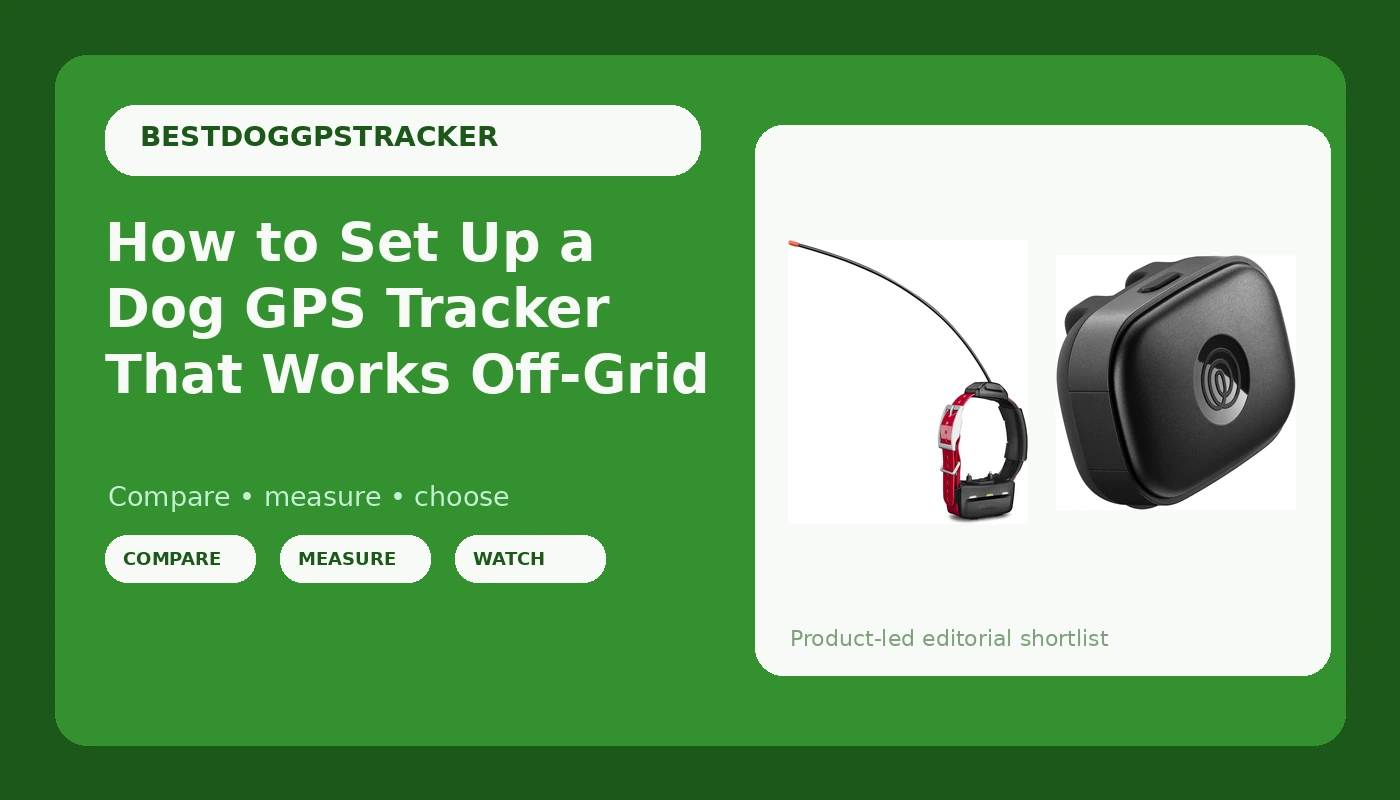
Most dog GPS tracker setup guides assume your dog stays inside a cell tower's reach. Mine does not. My husky has slipped a collar three times, and one of those escapes turned into an eleven hour search in the Deschutes National Forest that ended with a neighbor's phone call, not an app. That is why my dog GPS tracker setup starts with the question nobody wants to answer out loud: where will this thing lose signal?
The good news is that the setup itself takes about twenty minutes and costs nothing. The tracker you buy matters, but the way you mount it, the way you set its alerts, and the drill you run before you actually need it matter more. Get those three right and a mid priced tracker will outperform an expensive one that fell off in thick brush.
Here is the whole process in order, plus the two trackers I would build it around.
Why you should trust me
I volunteer with a search and rescue team out of Bend, Oregon, and I train hunting and trail dogs on the side. Over four years I have put ten GPS trackers through roughly 2,000 miles of trail, including deep canyons, dense pines, and the pockets of the Cascades where cell coverage goes to die. I keep a log of battery drain, satellite lock times, and the coverage claims that turned out to be fiction.
I also have a bias I will admit up front: a tracker that depends on a cell tower is a leash, not a lifeline. That does not make cellular trackers useless. It means you have to know which kind you own and set it up for the terrain you actually run, not the terrain in the ad.
How I picked and how I tested
For this guide I looked at two trackers that represent the two real paths in dog tracking: a cellular tracker that talks to your phone, and a collar device that works inside a handheld based tracking system. Everything below is about how to set one up, not about which one wins, because the winner depends entirely on where you walk.
The criteria I use, in order. Does it hold a satellite lock on its own, without borrowing your phone's location? How long does the battery last under a realistic duty cycle rather than a lab one? Does it survive a swim, a scratch, and a chew? Does the collar attachment fail under load when a dog backs out at full speed? And what does three years of ownership cost once the subscription is in the math?
If a tracker fails the first question, nothing else matters. A device that needs your phone nearby is not tracking your dog. It is tracking your phone.
Gear you'll need before you start
You cannot run a clean setup on a tracker that will not stay attached. Two things have to be true before you open a settings menu: the unit has to hold a lock by itself, and the mount has to survive a dog bolting backward out of a collar.
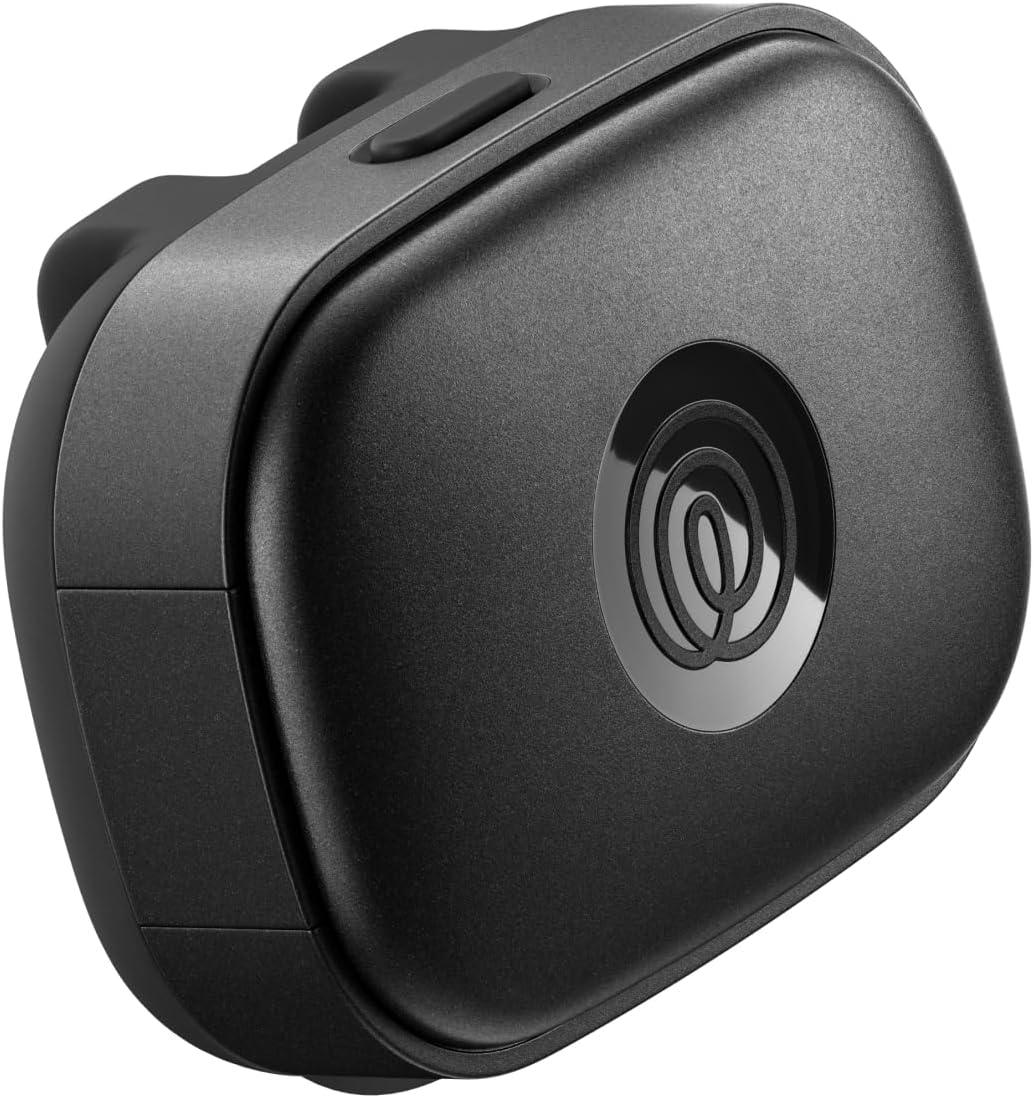
Cellular pick: Life360 Pet GPS Tracker for Dogs
 Visit on Amazon →
This is the phone first path. Live tracking, escape alerts, and a lost pet network come with it, along with up to 14 days of battery and a 12 month Silver subscription included for new and free members. For a dog that lives in town, plays in a fenced yard, and hikes trails where you still have bars, that combination covers what most owners actually need: a geofence that pings you the moment the dog leaves, and a live map you can hand to a neighbor or a search team.
Flaws but not dealbreakers: It is a cellular device, so where there is no tower there is no live map. That is a physics problem, not a firmware update. Judge it by your worst local trail, not by your driveway.
Anyone whose dog's world is the neighborhood, the dog park, and a well covered greenway will get the most out of this one.
Handheld system pick: Garmin 010-01486-00 TT 15 Mini Dog Device
 Visit on Amazon →
This is the other path, and it is the one I reach for when the plan involves miles of country with no bars. The TT 15 Mini is built to work inside Garmin's dog tracking system, which means the collar reports to a compatible handheld rather than to your phone. No tower, no data plan for the collar itself. You carry the receiver, you read direction and distance off a screen you control, and the dog shows up whether or not anyone has service.
Flaws but not dealbreakers: It is the expensive route, and it only makes sense if you already own or plan to own the handheld it pairs with. Buy the collar alone and you have bought half a system.
Anyone running a hunting dog, a trail dog, or a husky with a history of going over the fence and not coming back should look here first.
The actual setup workflow
Now the part you came for. This works on either tracker, and it takes about twenty minutes.
Step one: Cold start the satellite lock before you leave the house. Power the tracker on outdoors with a clear view of the sky and let it sit until it has a fix. A unit that has been in a drawer for a week takes longer to lock than one that saw sky yesterday, and you do not want that first lock to happen while your dog is already running. Do this in the driveway, not at the trailhead.
Step two: Fit the collar like it is going to be tested. Two fingers under the strap, tracker sitting high on the neck, and cut the excess strap so nothing dangles for a branch to grab. Then add a backup attachment: a second point of contact, a zip tie through the mount, or a second collar. I have found two trackers in the woods in four years, and neither one was on a dog.
Step three: Set the geofence to your real yard, not your ideal one. Walk the perimeter with the app open. If your dog can reach the far corner of the lot, the boundary has to include that corner. A geofence that fires while the dog is still on your property trains you to ignore alerts, and an ignored alert is worse than no alert at all.
Step four: Decide how alerts reach you. Escape alerts should hit your phone, and they should also hit a second person who is often home when you are not. Then check your phone's battery settings. Most phones put tracking apps to sleep to save power, and a sleeping app is a silent app.
Step five: Learn the battery duty cycle. Live tracking drains a battery fast. Recovery intervals sip it. Set the update rate for the way you actually use the device, charge it on a fixed schedule, and check the percentage at the trailhead every single time. Battery life is the whole product. A tracker that dies at hour fourteen on a day hike is a rock with a subscription.
Step six: Run a recovery drill. Have someone hide with your dog somewhere ordinary, then find them using only the tracker. Time it. Do it once in a place with no bars. The point is not the dog. The point is learning how to read the screen, how to switch into recovery mode, and how to get to a last known location when the live map stops updating.
Step seven: Handle night before you need it. Know how to trigger the light on the collar and how to pull up the last known location without a live signal. A dog that goes missing at dusk is a different search than one that goes missing at noon, and fumbling with a menu in the dark costs you the first twenty minutes.
Step eight: Log your dead zones. Keep a note of where your regular routes drop coverage or lose the handheld link. Over a season you build a map of the places where your tracker gets thin, and that map tells you where to keep the dog closer.
The competition and why it lost
Bluetooth tag trackers are the category I get asked about most, and they are not GPS trackers in any useful sense. A Bluetooth tag is a short range radio. It reaches your phone while your dog is in the yard and stops reaching it the moment the dog leaves. The "unlimited range" line in those listings refers to the phone network that other people's phones use to report a tag they happen to pass. It has nothing to do with your dog in the pines. That is a different product for a different problem, and no amount of setup will fix it.
Smart collars from the big tech brands are a better fit for a suburban dog, and I have recommended them for exactly that. They sell convenience and a familiar app. The dedicated pet GPS brands still pull ahead on battery and on the recovery features that matter when a dog is actually gone.
Invisible fence and shock collars are a different category with different ethics, and they are not in this guide. Cat trackers are a different guide too, because cats have different escape physics. Neither one belongs in a dog tracking setup.
What this all costs
The tracker is the cheap part. The subscription is the real price, and it is the number people forget. At $10 to $15 a month, three years of cellular coverage runs $360 to $540, which is more than most trackers cost outright. That is roughly 30 to 40 cents a day for a live map in your pocket. Do that math before you buy, not after, and read the renewal terms so you know what happens on month thirteen.
Handheld based systems flip the math. You pay more up front for the collar, and you need the handheld it pairs with, but there is no monthly data bill attached to the collar itself. Over three years, a heavy user on a cellular plan and a heavy user on a handheld system can land in the same neighborhood of total spend. The difference is what you get for it: a live map with street addresses, or a direction and distance readout that works where nobody has bars.
Either way, the setup is free and it is the part that decides whether the device helps. Fit the collar like it will be tested. Set the geofence honestly. Learn the recovery mode. Run the drill once, in a bad signal spot, before you need it for real.
That is the job. The hardware is only half of it.