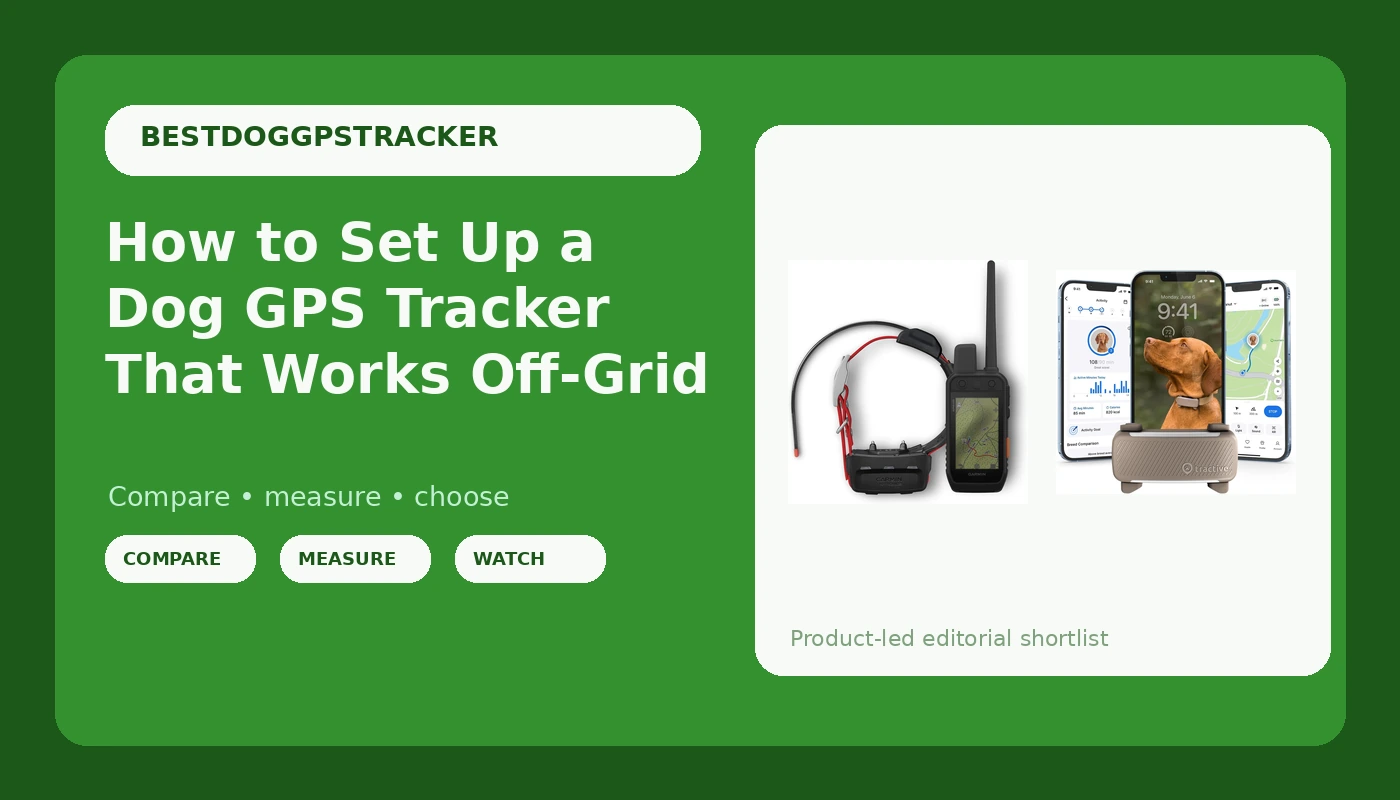
Most people think dog GPS tracker setup begins with an app download. It begins with a map. If your dog's favorite running ground has no cell bars, a cellular tracker is a leash with extra steps, and no amount of app polish fixes that.
I live in Bend, Oregon. I volunteer with a search and rescue team, I train hunting and trail dogs, and I own a husky who has escaped three times. The third escape cost me 11 hours in the Deschutes National Forest, and that search ended with a neighbor's phone call, not with my phone. Since then, dog GPS tracker setup has been the one part of my gear routine I refuse to improvise.
Here is the workflow I actually use: pick the right category of tracker for your terrain, fit it so it cannot fall off, configure the geofence and alerts before the first off-leash mile, and run a recovery drill so you are not learning a menu while your dog is running away from you.
Why you should trust me
I have tested 10 GPS trackers over four years across roughly 2,000 miles of trail, from sagebrush flats to dense pine canyons. I keep a log of battery life, satellite lock times, and which trackers overstate their coverage. I have also found two trackers in the woods, neither one attached to a dog, which is why I care more about collar attachment than about app features.
I do not review shock-collar ethics debates or invisible fences, and I do not review cat trackers. Different physics, different products, different guide.
How I picked and what I checked
I judged every tracker on six things, and only one of them was the app.
Coverage. Does it need a cell tower to work? If the answer is yes, it has a boundary, and the boundary is wherever coverage ends.
Battery duty cycle. Battery life is the whole product. A tracker that dies at hour 14 of a day hike is a rock with a subscription.
Recovery features. Live tracking is a party trick. The features that bring a dog home are last known location, a geofence alert, and a light you can trigger at night.
Durability. Dogs chew, scratch, and swim. If it is not IP67 and chew-resistant, it is a donation to the forest.
Attachment. The clip and the strap are where trackers fail. I have watched a unit pop off in thick brush and never be seen again.
The subscription. Cellular trackers need a service plan, and over three years that plan can cost more than the hardware. Do that math before you buy, not after.
There are two real categories worth setting up. A cellular tracker talks to LTE towers and puts a live dot on a map in an app. It is cheaper, easier, and it works beautifully in town. A satellite-direct handheld talks to satellites and to its own collar over a dedicated radio link, with no tower in the loop. It costs more and it is the one that still works in a canyon.
The trackers worth setting up
Both of the units below are worth the setup time. They solve the same problem in two different terrains.
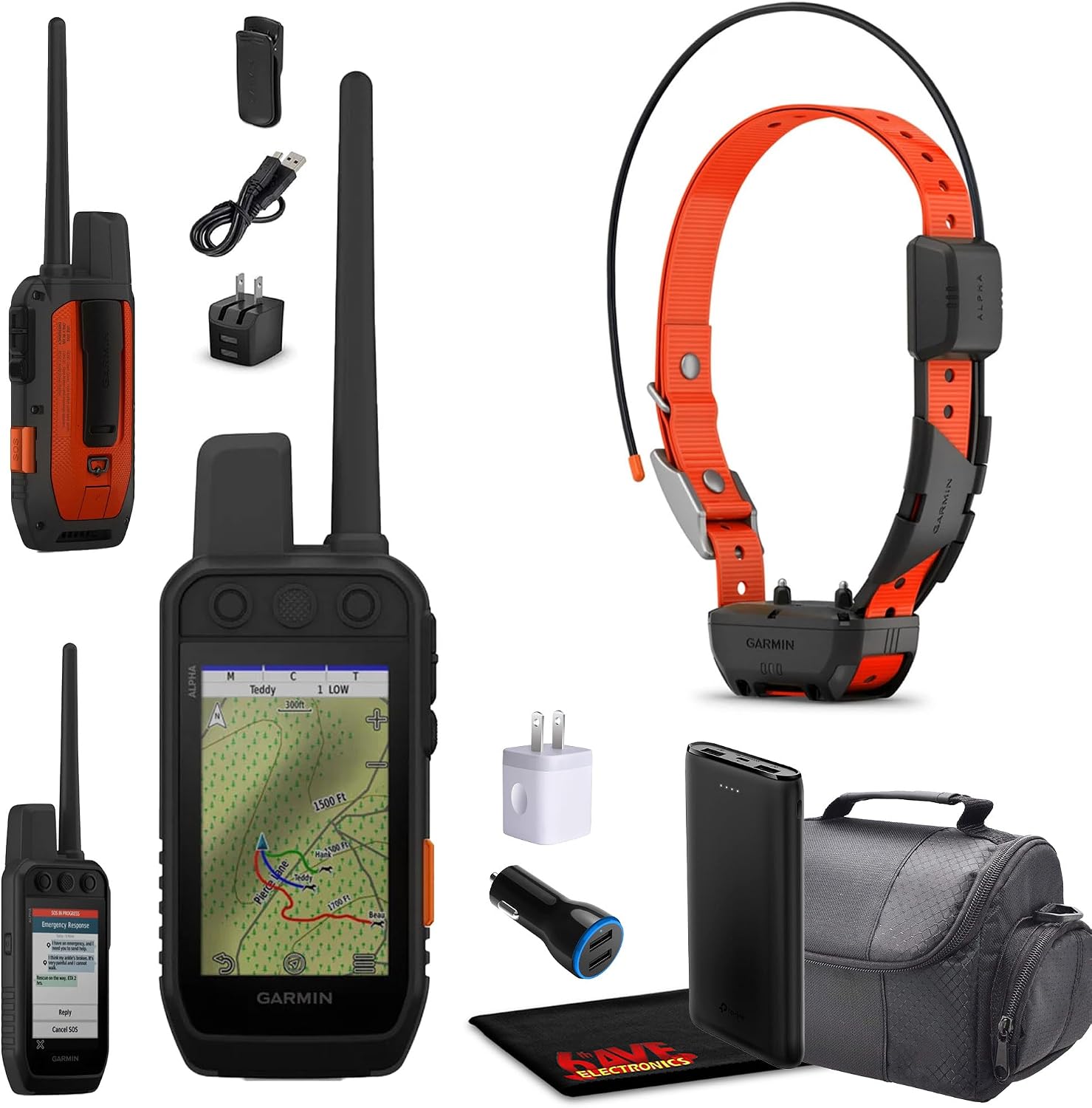
Budget pick: Tractive Smart Dog GPS Tracker | Live Pet Tracker with Virtual Fence | Vital Signs Monitoring of Heart & Respiratory Rate | Bark Monitoring | Dog Collar Attachment (Brown)
 Visit on Amazon →
The Tractive unit is the tracker I hand to friends who live in town and want a live map on their phone. It clips onto an existing collar, it does live tracking, and the virtual fence is the feature that earns its keep: draw the boundary, and you get an alert when your dog crosses it rather than when you finally notice the yard is empty. The vital signs monitoring covers heart and respiratory rate, and the bark monitoring gives you a log, which is genuinely useful if you have a dog that barks in an apartment while you are at work.
What it is not is an off-grid device. If you hike where your phone shows no bars, the live map shows no dog. The battery is a duty cycle, not a marathon, so build a charging routine into your week and treat that routine as part of owning the thing.
Flaws but not dealbreakers: The subscription is the real price. Add up three years of service before you commit, because the hardware is the cheap half of this purchase. The attachment is also light-duty compared to a hunting system, so check the clip every few weeks.
Anyone whose dog spends its life under a cell tower, from a suburban backyard to a city park, will get their money's worth here. Pair it with a collar that fits properly and it does the job.
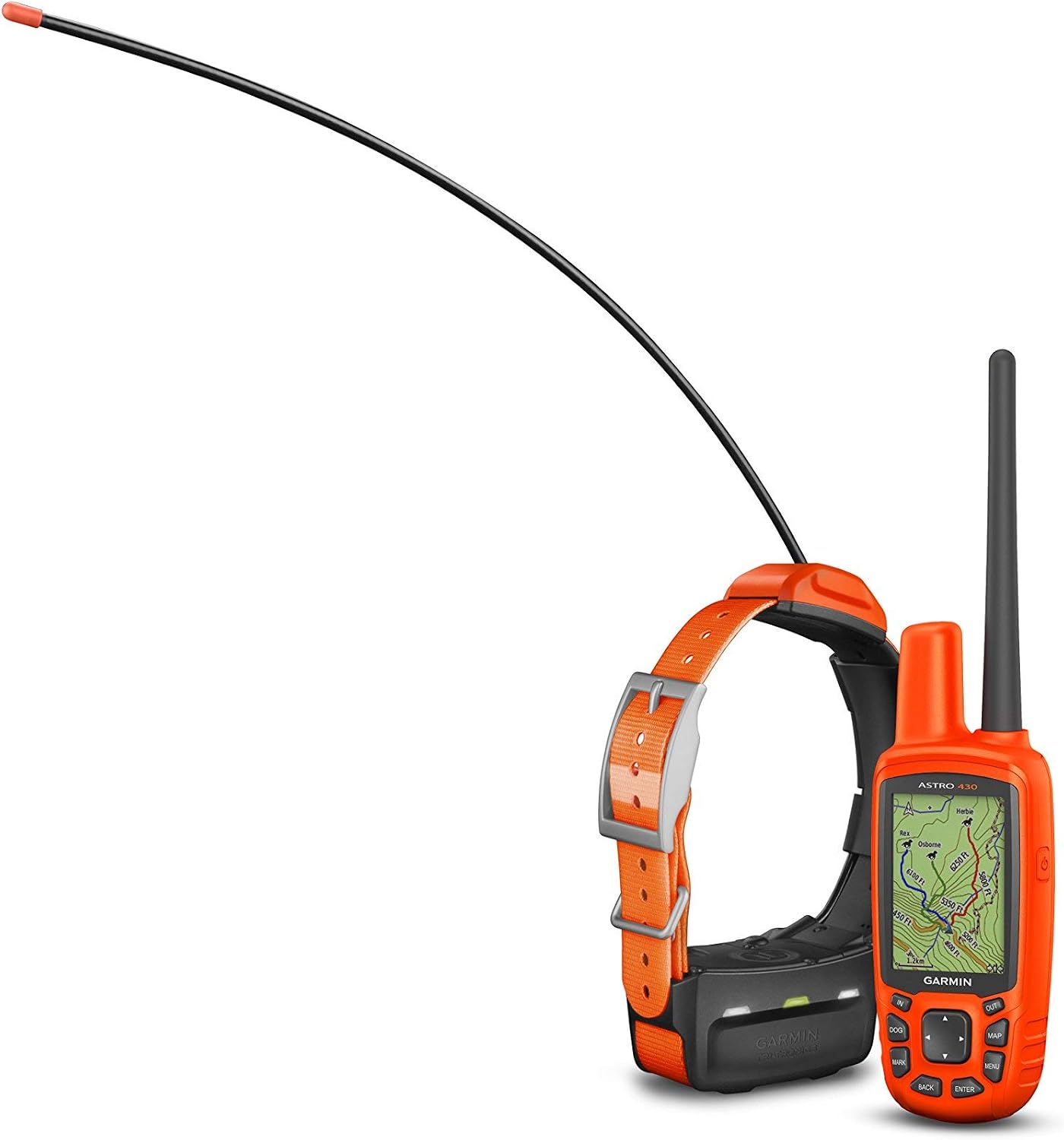
Upgrade pick: Garmin Alpha 200i/TT 15 Dog Tracking and Training Bundle, Handheld and Collar, Utilizes inReach Technology, Sunlight-readable 3.6" Touchscreen (010-02230-00), Black
 Visit on Amazon →
This is the system I would carry into the Deschutes canyons, and it is the one I recommend to hunters, SAR volunteers, and anyone running a big-ranging dog off grid. It ships as a bundle: a handheld with a 3.6 inch sunlight-readable touchscreen and a TT 15 collar. Tracking happens over a direct link between the handheld and the collar, so a dead cell zone is not a problem, it is just Tuesday. The inReach technology adds satellite messaging from the handheld, which matters when the person who needs help is you, not the dog.
The sunlight-readable screen sounds like a spec sheet line until you are standing in central Oregon at noon trying to read a position. That is when you understand what you paid for.
Flaws but not dealbreakers: The learning curve is real. This is a handheld computer, and the first setup session takes an evening. The collar is also heavier than a cellular clip, so fit matters more, and the training features require you to know what you are doing before you touch them. If you only need a live dot in a suburban yard, this is a lot of system for the job.
Anyone who runs dogs where the towers stop should look here first. It is the category that does not lie to you about coverage.
The actual setup workflow
Now the part you came for. This works for either category, and it takes about an hour the first time.
Step one: Fit the collar first. Before anything is powered on, get the strap right. You should be able to slide two fingers under it and no more. The tracker rides high on the back of the neck, not dangling under the throat where brush can grab it and where a paw can reach it. If the clip feels loose, add a silicone sleeve or a small zip tie as a backup. Keep a plain ID tag on the same collar with your phone number on it.
Step two: Charge everything and update firmware. Do this on a kitchen counter, not on a tailgate. Firmware updates on tracking hardware are not optional, and they are the least fun part of ownership.
Step three: Activate and register. On a cellular tracker, choose the service plan and write the renewal date somewhere you will see it. Auto-renewing subscriptions that surprise you are how people end up paying for a tracker they stopped using. On the Garmin system, register the handheld and the collar and pair them at the kitchen table.
Step four: Get a real GNSS lock outdoors. Walk outside, away from the house, and let the unit find its position in the open. Then walk 100 yards with the tracker and confirm the position updates on your screen. Indoors does not count, and a lock acquired next to a window is not the same as a lock in the open.
Step five: Set the geofence. Draw the boundary around the yard and around your usual trailhead, not around the whole county. A fence the size of a county only alerts you once the dog is already two ridges away.
Step six: Set the alerts, then test them. Put the collar on, walk out of the fence, and confirm the alert actually lands on your phone. An untested alert is a rumor. Test it in the daylight, with a charged phone, on a day when nothing is wrong.
Step seven: Fill in the dog profile. Name, your phone number, a second contact. If a stranger finds that collar in the brush, that number is the most important recovery feature on the device.
Step eight: Night check. Learn how to trigger the light, or find the reflective strip, in the dark. Most lost-dog calls I have been on came after sunset, and fumbling for a menu in the dark with a headlamp on your forehead is not the moment to learn the interface.
The recovery drill
A tracker you have never used in a panic is a tracker you do not own yet. Run a drill before you need one.
Hand the leash to a friend at a trailhead. Have them walk the dog out of sight, around a bend or behind trees, while you stay at the car. Then find them using only the app or the handheld. Time it. Notice which screen shows the last known location, and notice how long the position takes to refresh. Do it twice, once in the open and once in cover.
Then learn the real-world sequence, because the drill is calm and the real thing is not. The moment your dog is gone, screenshot the last known location, because if the battery dies you lose the map with it. Note the time of the last update, since that timestamp tells a search team which direction to start. Call for help earlier than feels reasonable, because a neighbor on foot covers ground faster than you can refresh an app.
My husky's 11-hour day ended with a neighbor's phone call, not with my phone. That is the honest lesson. The tracker buys you a location and a time, and then people do the rest. Set it up so it hands those people something useful.
Battery, fit, and the failure points
Three things kill trackers, and none of them are the software.
Battery duty cycle comes first. Cold weather drains faster, and Bend winters taught me to charge the night before, not the morning of. Keep a cable in the truck and one in the house, and keep them out of reach of the dog that chews cables in an hour.
Attachment comes second. Check the clip and the strap every few weeks. Thick brush is where units disappear, and a tracker sitting in the sagebrush is not tracking anything.
Fit comes third. A loose collar slides, the unit turns upside down, and the antenna ends up against the dog's neck. Two fingers, no more.
Why Bluetooth tag trackers are not in this guide
Bluetooth tags are not GPS. They have a range measured in feet, and any listing that claims unlimited range on a Bluetooth tag is selling you a key finder with a dog on the box. They are lost the moment the dog leaves the yard, which is the exact moment you needed them. The three real options are cellular, satellite-direct, and a well-fitted collar with your phone number on it.
What this all costs
I am not going to quote you today's prices, because they move. Check current Amazon price on both units and do the three-year math instead.
Add the hardware, then add the service plan, then add a replacement collar or a spare charging cable if your dog is hard on gear. Divide by 1,095 days. That number is what you are actually deciding on, and for a cellular tracker the service line is usually the bigger half. A satellite-direct handheld costs more up front and typically less per month, which is why people who run dogs off grid stop doing the monthly math and just buy the handheld.
Either way, the setup hour is what separates a tracker that saves your dog from a tracker that sits in a drawer with a dead battery. Fit the collar, set the fence, test the alert, run the drill, and write the renewal date on a calendar. Then go run your dog.
That is the job. The hardware is ready. Make it yours.