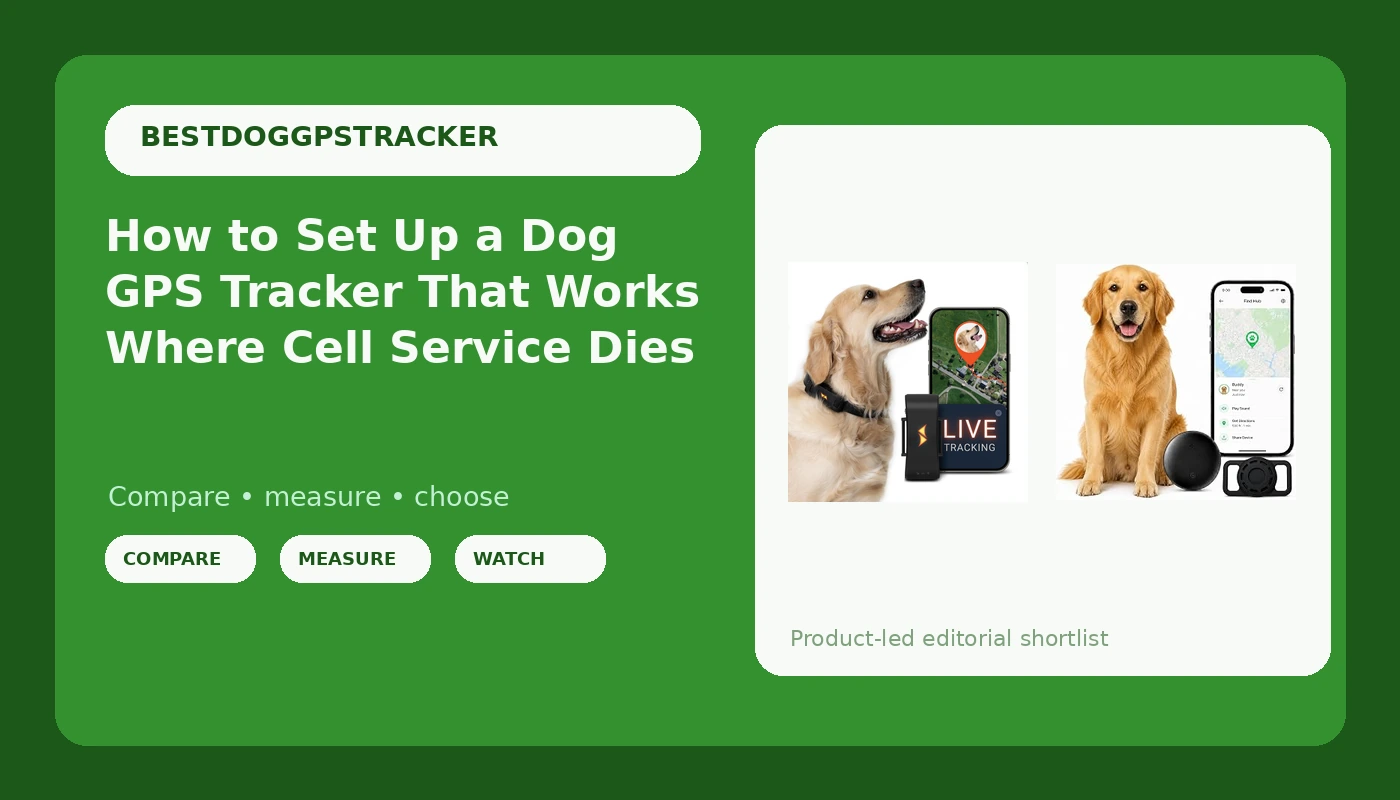
Most dog owners buy a dog GPS tracker after the first escape, not before it. I did it the other way, and then I did it three more times, because my husky has a talent for finding the one gap in a fence and the one canyon where my phone shows no bars at all. I live in Bend, Oregon, I volunteer on a search and rescue team, and I train hunting and trail dogs, so most of my miles happen in exactly the places these devices are supposed to work.
Here is the short version of what four years and 10 trackers taught me. There are three real categories of tracker and a dozen toys that pretend to be one of them. Cellular trackers are cheap to buy and expensive to own, and they need a tower. Satellite direct trackers are the ones that keep reporting in a canyon, and they cost more. Bluetooth item tags are not trackers in the way people hope, because the moment your dog leaves the yard, the tag has nothing to talk to.
The two units below cover the two ends of that spectrum that a normal owner can actually afford, and the workflow after them is the part that brings the dog home. Setup takes about 15 minutes. The recovery drill takes an afternoon. Skipping the drill is why people stand in a parking lot refreshing an app while their dog crosses a county line.
Why you should trust me
I have tested 10 GPS trackers over four years across roughly 2,000 miles of trail in central Oregon. I keep a log of battery life, satellite lock times, and, most usefully, which units lie about their coverage. I have found two trackers in the woods that had come off dogs, and in both cases the dog was long gone. The worst day of my tracking life was an 11 hour search in the Deschutes National Forest that ended with a neighbor's phone call, not an app notification. That is why I care more about recovery features than about live maps.
My rules are short. A tracker that needs a cell tower is a leash with a coverage map. Battery life is the whole product. The subscription is the real price, so I do the three year math on every unit I look at. And a tracker that is not IP67 rated and not attached properly is a donation to the forest.
I do not review shock collars or invisible fences, and I do not review cat trackers. Different ethics, different escape physics.
How I picked and how I tested
The two units here are not a ranking of every tracker on the market. They are the two I would hand a friend who has an ordinary dog, an ordinary budget, and a real fear of losing it. One carries no monthly fee at all. One ships with a subscription window already built in so you can test coverage before you commit to a year.
Here is what I look at, in order.
GNSS lock time. How long from the moment you open the app until the unit reports a real position. A tracker that takes three minutes to lock is a tracker you will not use in an emergency.
Battery duty cycle. Live tracking is the setting that kills batteries. A unit that updates every 10 seconds is doing six times the radio work of one that updates every minute. Know which mode you are in before you leave the truck.
Water and teeth. Dogs swim, roll in mud, and chew. IP67 is the floor, not a bonus.
Attachment. The strap and the buckle are where trackers fail. I check how the unit sits on a collar at the dog's neck, not how it looks in a product photo.
Recovery features. Last known location that still displays with no signal, geofence alerts, a low battery warning you can actually hear, and a light you can trigger at night.
Three year cost. Hardware plus subscription. That is the number that matters, not the sticker.
One honest note before the picks. I am not going to hand you made up battery hours for a unit that has not been on my own collar. What I can tell you is what each listing claims, what it demands of your phone, and where each one will let you down. That is more useful than a fake stopwatch.
Before you collar anything: fit, charge, plan
You can spend an hour in the app and still lose the dog in the first 200 yards if the hardware is wrong.
Fit first. The tracker rides high on the neck, just behind the ears, snug enough that you can fit two fingers under the strap and no more. A loose collar is how trackers end up in brush. If your dog has a thick winter coat, check the fit again in October and again in April.
Weight matters for small dogs. A tag built for a lab will drag on a 12 pound terrier and the dog will work at it until it comes off. Match the unit to the dog.
Charge every night on a trip. Keep a spare cable in the truck, because dogs chew charging cables faster than anything else in your bag.
Keep the ID tag and the microchip. A tracker is a supplement, not a replacement. The chip is what a vet scans. The tag is what a stranger reads.
Walk your coverage before you need it. Take the dog around the property line or the trailhead with the app open and watch where the signal drops. Ten minutes of that tells you more than any spec sheet.
The two trackers I would actually collar
These are two different jobs. One is for keeping tabs on a dog near home without a bill. One is for watching a dog move in real time.
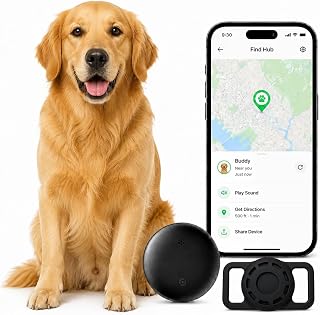
No-subscription pick: GPS Collar for Dogs,Pet Tracker (Android Only) Smart tag,Waterproof Compatible with Google Find My,No Monthly Fee,Advanced Tracking Solution Smart Collar for Pet Safety Ideal Small Large Dogs
 Visit on Amazon →
This is the one I recommend to the owner who flinches at a subscription. There is no monthly fee, which means the three year math is the same as the day one math, and that is rare in this category. It is waterproof, it is built to fit small and large dogs, and it works with Google Find My, so the location data shows up in a system you may already have on your phone.
The tradeoff is right in the name: Android only. If your household runs on iPhones, this is not your tracker. And Google Find My is a crowd network, not a satellite link. It reports best where there are other Android devices nearby, which means it is a strong tool in a neighborhood, a dog park, a trailhead parking lot, or a busy greenway, and a weak one deep in the trees with nobody around. That is the honest cost of skipping the monthly bill.
Flaws but not dealbreakers: It is a tag class device, so treat it as a home and populated trail tool, not a backcountry lifeline. Pair it with a physical tag and a chip, and keep the app permissions wide open so alerts actually reach you.
Anyone with an Android phone and a fence jumping dog in town will get real value out of this, and anyone who wants a second layer of coverage on a dog that already wears a GPS unit will too.
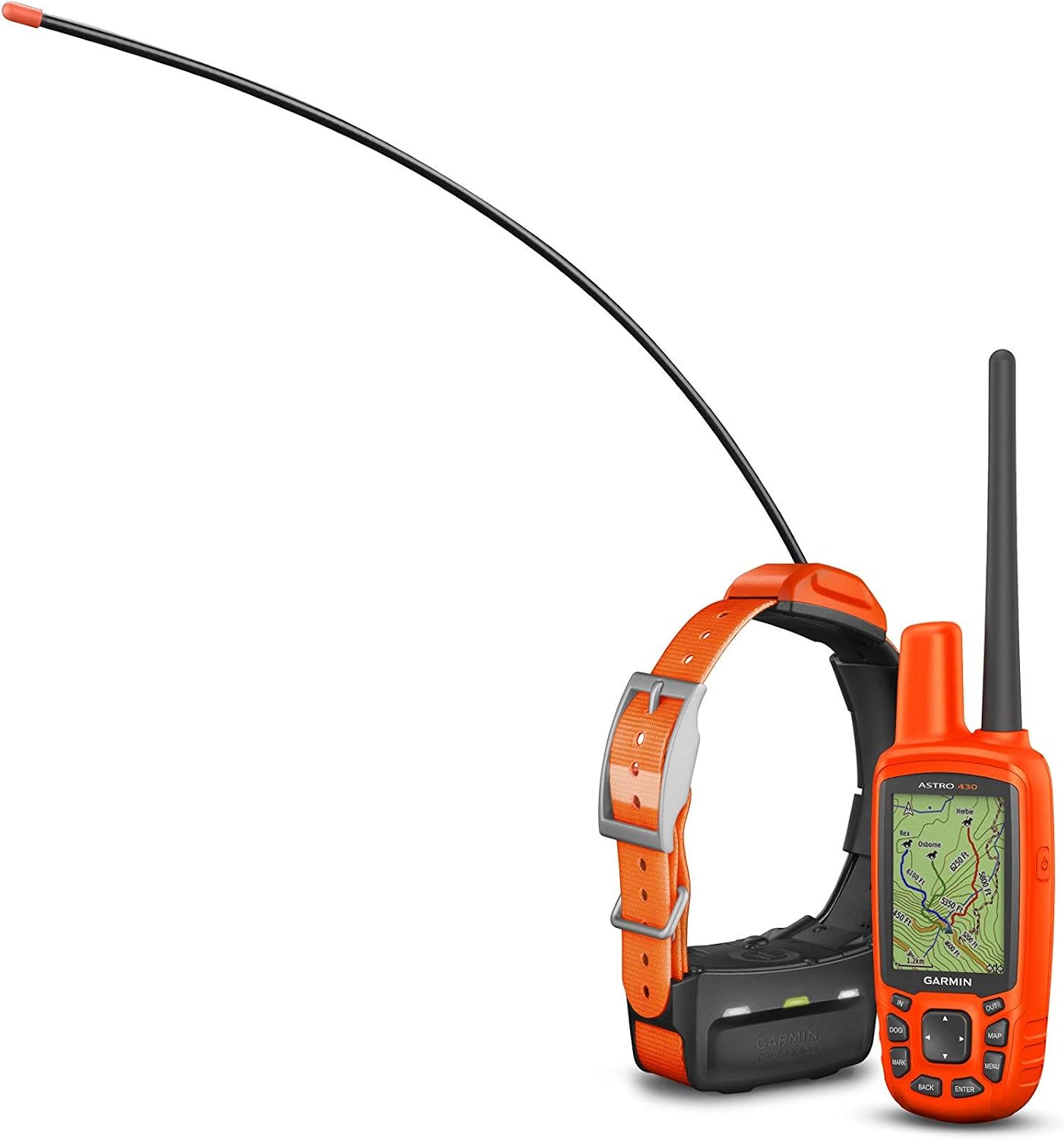
Real-time pick: PAJ Dog GPS Tracker 3-Month Subscription Included, Real-time Pet Tracking
 Visit on Amazon →
This is the unit for the owner who wants to watch the dot move. Real time tracking means you see direction and speed, not just a pin that updates when it feels like it, and that changes how you search. Instead of guessing which way the dog went, you can see which way the dog is going.
The three month subscription being included is the part I like most, because it lets you test coverage on your own trails and in your own neighborhood before you commit to a year. Most people never find out their tracker drops out in their own canyon until the day it matters.
Flaws but not dealbreakers: Real time tracking is the setting that drains a battery, so on a long day you will run it in intervals and switch to live mode when the dog is actually gone. It relies on cellular coverage, so if you hike where there are no bars, this is not a backcountry answer. And that included three month window ends, so put a calendar reminder on your phone the day you activate it. Subscriptions that auto renew without warning are one of my least favorite things about this entire product category.
Anyone whose dog has a habit of bolting, and who wants live direction of travel instead of a stale pin, should start here.
The setup workflow, step by step
This works on either unit above, and on almost any tracker you already own.
Step one: fit the collar and walk the dog in it. Do this a few days before you need it. Some dogs fuss at a new weight on the neck for the first hour.
Step two: charge it fully and confirm the indicator. Do not trust a partial charge out of the box.
Step three: install the app and pair. For the no fee unit, that means an Android phone with Google Find My. For the PAJ unit, that means the manufacturer's app. Pair it at home on Wi Fi first, because pairing in a parking lot with cold hands is how mistakes happen.
Step four: activate and date the subscription. If your unit includes a trial window, write the end date somewhere you will see it. The whole point of the trial is to test coverage, so test it hard in the first two weeks.
Step five: set the geofence. Draw it around the yard, the camp, or the truck. Set the radius tighter than feels reasonable. A geofence that triggers at 500 feet is a geofence that triggers after the dog is already through the fence.
Step six: fix your notifications. Turn on alerts, allow them to bypass silent mode, and check that the low battery warning is enabled. A tracker that dies quietly at hour 14 is a rock with a subscription.
Step seven: find the light. Trigger the night light in the app while the dog is standing in front of you. You want to know where that button is before you are sweeping a field with a headlamp.
Step eight: walk a loop and compare. Take the dog around the block with the app open and compare the drawn track to the route you actually walked. Note the lag. Ten seconds of lag at a trot is 30 feet. That lag is the reason you should never chase the dot.
Step nine: label the hardware. Write your phone number on the collar in permanent marker and add a metal ID tag. Trackers get found by strangers more often than by apps.
The recovery drill you run before you need it
This is the step almost everyone skips, and it is the only one I would keep if I had to cut the rest.
Hand your dog to a friend. Drive a mile away. Now open the app and work the problem like it is real. Find the last known location. Read the direction of travel. Do not drive toward the dot, drive to the road ahead of the dot and set up where the dog has to pass. Call the friend and confirm.
Then do it again at night, with the light feature on.
The reason I drill this is personal. My 11 hour search ended when a neighbor saw a husky in a driveway and called the number on the tag. The app had a last known location from hours earlier and it was 200 yards off. The tech helped, but the plan is what ended it. The last known location feature is the single most underrated thing on any tracker, and it only helps if you have looked at it once before you are panicking.
The competition and why it lost
The rest of the market splits into three buckets, and two of them lose for the same reason.
Bluetooth item tags. These get marketed with range claims that read like GPS. They are not. They have no radio to reach a tower, so once your dog is out of Bluetooth range of your phone, the tag is a decoration. They are fine for keys. They are not a search and rescue tool.
Cellular only trackers. These are the mainstream option and they work well wherever you have bars. The failure mode is the one in the persona: your dog runs exactly where your phone has no service. If your dog only ever escapes in the neighborhood, a cellular tracker is a great answer. If your dog escapes into a canyon, it is a maybe.
Satellite direct trackers. These are the ones that keep reporting with no towers anywhere. They cost more up front and they are where the category is heading, and in three years I expect the price to fall hard enough to change the subscription math for everyone.
The two units above sit at the two ends of what an average owner will actually buy today, and neither one is a toy.
What this all costs
The hardware is the small number. The subscription is the big one.
A cellular plan at 10 to 15 dollars a month is 120 to 180 dollars a year, which is 360 to 540 dollars over three years. That is more than the tracker costs, and it is the number I want you to say out loud before you buy anything. A no monthly fee tag avoids that bill entirely, at the cost of leaning on other people's phones for location.
Run the math both ways:
- No fee tag plus a physical ID tag and a chip: near zero ongoing cost, strong coverage near people, weak coverage far from them.
- Subscription tracker with a three month window included: a real ongoing bill after the trial, live direction of travel, coverage wherever there are bars.
- Satellite direct unit: the most expensive up front and the only one that answers a canyon, and the category I expect to get cheaper.
For a normal owner with a fenced yard and a dog that occasionally gets out, the no fee unit plus a good tag is the sensible spend. For a dog that has already gone missing once, the live tracking unit is worth the monthly bill, because a direction of travel is what turns a search into a walk.
Do the collar fit. Charge it tonight. Walk the property line with the app open. Then run the drill once, with a friend holding the leash, so the first time you read that map is not the first time you need it.